 Ahmad
Ahmad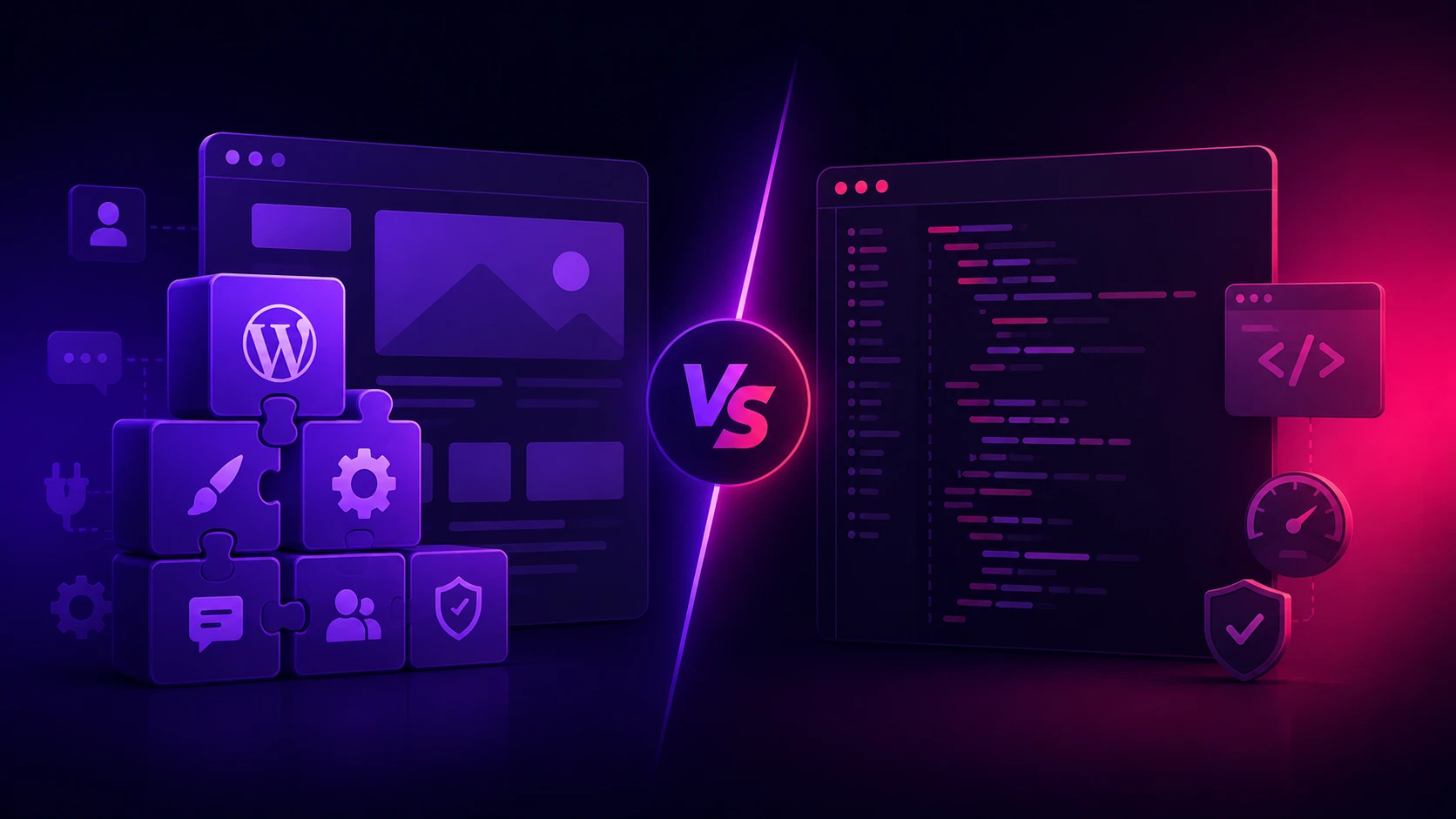
The custom website vs WordPress question comes up for almost every business owner. Sooner or later, every business owner planning a website hears the same question: should we use WordPress or build it custom? It is a fair question, and the honest answer is "it depends" — but most people who say that never explain on what. Let me give you a clear, no-sales-pitch comparison so you can decide based on your situation, not someone's preference.
First, what each one actually is. WordPress is a ready-made platform that powers a large share of the world's websites. You install it, pick a theme, add plugins for features, and you have a site relatively quickly. A custom website is built from scratch in code, designed and developed specifically for your business. Both can produce good-looking, functional sites — the difference is in how they get there and what they are like to live with afterward.
WordPress's biggest strength is speed of setup and a huge ecosystem. There are themes and plugins for almost everything, so common needs — a blog, a contact form, a basic shop — can be assembled fast and cheaply. If you need a straightforward site quickly and on a tight budget, WordPress is a reasonable choice, and millions of businesses run on it happily.
But WordPress has real trade-offs that the cheap-and-fast story leaves out. Because it relies on themes and plugins built by many different people, sites can become slow and bloated, especially as you add more plugins. It also needs ongoing maintenance — updates to WordPress, themes, and plugins — and if you skip them, your site can break or get hacked. Security is a genuine concern: because WordPress is so popular, it is a constant target for attackers, and poorly maintained sites are regularly compromised.
A custom website flips these trade-offs. It costs more and takes longer upfront because someone is building it specifically for you. In return, you get a site that is exactly as fast as it needs to be, looks unique instead of like a theme thousands of others use, and only contains the code it actually needs. There is no plugin bloat, far less to break, and a much smaller attack surface for hackers. For speed and SEO — both of which Google rewards — a well-built custom site usually has the edge.
Customization is the other big divide. With WordPress, you can change a lot, but you are working within the limits of your theme and plugins; truly unique features can become awkward or require custom coding anyway. A custom site has no such ceiling — if you can describe it, it can be built exactly that way. For businesses with specific workflows, booking systems, dashboards, or unusual requirements, custom is often the only clean path.
So how do you actually choose? Ask yourself a few honest questions. Is this a simple informational or blog site on a tight budget and timeline? WordPress is fine. Does your site need to be fast, unique, and built to convert customers, with room to grow into custom features? Lean custom. Do you have unusual requirements — a portal, a complex store, an internal tool? Custom, almost certainly. Will you maintain it diligently, or will it sit untouched? If untouched, custom's lower maintenance is a real advantage.
There is also a long-term cost angle people miss. WordPress looks cheaper on day one, but premium themes, premium plugins, security tools, and maintenance add up year after year. A custom site costs more upfront but can be cheaper to own over time, with fewer recurring fees and less breakage. The cheapest sticker price is not always the cheapest decision.
My honest position, having built both kinds of sites, is this: WordPress is a fine tool for simple needs and small budgets, and I will tell a client to use it when that is genuinely the right call. But for a business that wants a fast, professional, unique website that ranks well and can grow — and that the owner does not want to constantly patch and worry about — a clean custom build is usually the better long-term investment.
The worst choice is letting the decision be made by whatever the developer finds easiest. Make it based on your goals, your budget, and how much you will maintain it. Either tool can serve you well when it matches your situation — and either can disappoint when it does not.