 Ahmad
Ahmad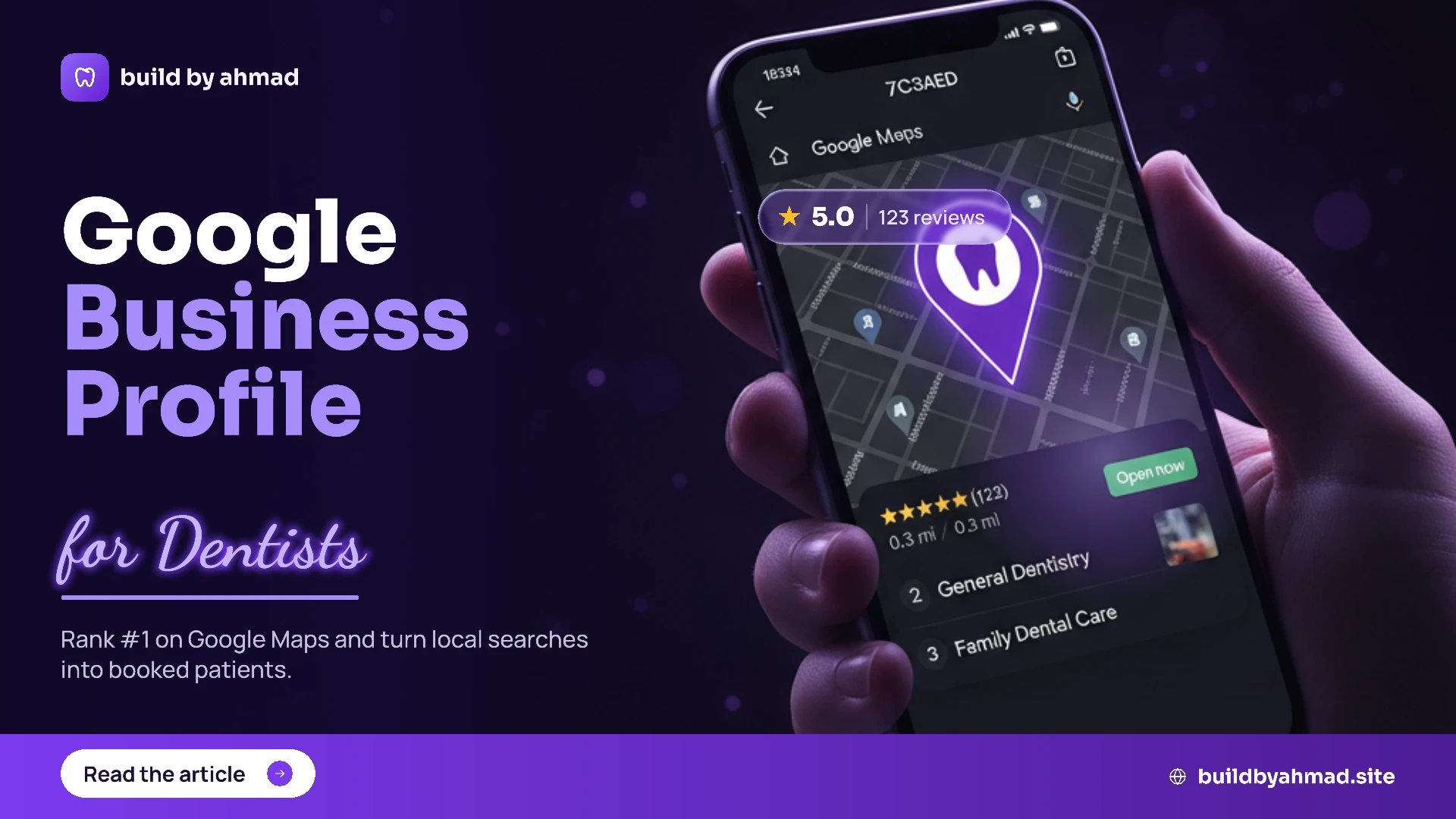
Quick answer: A Google Business Profile for dentists is the free listing that puts your clinic on Google Maps and in local search. Claim it, fill in every detail, add photos, and collect reviews — and you’ll show up when nearby patients search “dentist near me.”
Why a Google Business Profile matters for dentists
Here’s the truth: when someone needs a dentist, they don’t open a textbook — they open Google. They type “dentist near me” or “emergency dentist [town]”, and they pick from the little map box at the top. If your clinic isn’t there, you’re invisible to those patients.
That map box is powered by your Google Business Profile. It’s free, it’s the single most important local-SEO tool a clinic has, and most dentists either haven’t claimed it or leave it half-empty. Fix that, and you put your practice right where new patients are already looking.
What a Google Business Profile actually does
A complete profile quietly works for you 24/7. It shows patients:
• Your clinic name, address, and phone — with a one-tap “Call” and “Directions”.
• Your opening hours (and whether you’re open right now).
• Photos of your clinic, team, and reception.
• Your services — check-ups, implants, whitening, emergencies.
• Reviews and your star rating.
• A link to your website and online booking.
In short, it answers “Can I trust them, and can I book?” before the patient even visits your site.
How to set up your Google Business Profile (step by step)
Setting up a Google Business Profile for dentists takes about 20 minutes. Here’s the flow:
1. Claim or create your listing
Go to Google Business Profile and search for your clinic. If it already exists, claim it. If not, create it with your exact clinic name.
2. Verify your clinic
Google confirms you’re the real owner — usually by postcard, phone, or video. Don’t skip this; an unverified profile won’t rank.
3. Fill in every field
Add your address, phone, website, and precise opening hours. Empty fields hurt you — a complete profile beats a half-finished one every time.
4. Pick the right categories
Set your primary category to “Dentist” (or “Dental clinic”), then add specifics like “Cosmetic dentist” or “Emergency dental service”.
5. Add real photos
Upload genuine pictures of your clinic, team, and treatments. Real photos build far more trust than stock images.
After this, your clinic can start appearing in local results — but the real wins come from keeping it active. A profile that links to a fast, modern website performs best, so it’s worth making sure your [clinic website] is set up to match.
How to optimise your dentist profile
A claimed profile is the start. To actually rank, optimise it:
• Write a clear description that mentions your town and main services naturally.
• Keep your details identical to your website (same name, address, phone) — mismatches confuse Google.
• Post updates — offers, news, or tips — so your profile looks active.
• Answer questions patients leave on your listing.
• Add your services and prices where you can, so patients self-qualify.
Common mistakes dentists make
A few simple slips quietly cost clinics patients:
Leaving it unclaimed
If you’ve never claimed your profile, anyone could edit it — and you can’t add photos, reviews, or updates. Claim it first.
Inconsistent contact details
A different phone number on Google vs your website tells Google you might not be trustworthy. Make them match everywhere.
No (or old) reviews
Reviews are huge for local ranking. A clinic with recent 5-star reviews beats one with none nearly every time.
Ignoring it after setup
Google rewards active profiles. A listing you set up once and forgot will slowly slip down the results.
How to get more reviews
Since reviews matter so much, make asking part of your routine. After a good appointment, send a friendly message with your review link — most happy patients are glad to help when it’s easy. Always reply to reviews, good or bad; it shows you’re attentive and keeps your profile active.
Frequently asked questions
Is a Google Business Profile free for dentists?
Yes — it’s completely free to create and manage. You only pay if you choose to run Google Ads, which is separate and optional.
How long until my dental clinic shows up on Google Maps?
Often within a few days of verifying, with rankings improving over a few weeks as you add details, photos, and reviews.
What’s the difference between a Google Business Profile and a website?
Your profile is your free Google listing; your website is your own page. They work together — Google checks that your website backs up your profile.
How do I rank in the Google Maps “3-pack”?
A complete profile, consistent contact details, strong recent reviews, and a fast local-focused website are what earn those top three map spots.
Do reviews really affect my ranking?
Yes — the number, quality, and recency of reviews are among the strongest signals for local search, and they convince patients to choose you.
Can I manage my profile from my phone?
Absolutely. The Google Business Profile app lets you reply to reviews, post updates, and check your stats from anywhere.
Final thoughts
For a dental clinic, your Google Business Profile for dentists is the highest-value, lowest-cost marketing you can do. It puts you on the map — literally — right where nearby patients are searching, for free. Claim it, complete it, keep it active, and collect reviews, and you’ll quietly win patients month after month.
Want your clinic set up to win local search — profile, website, and online booking working together? [Get in touch with Build by Ahmad] for a free local-SEO check.