 Ahmad
Ahmad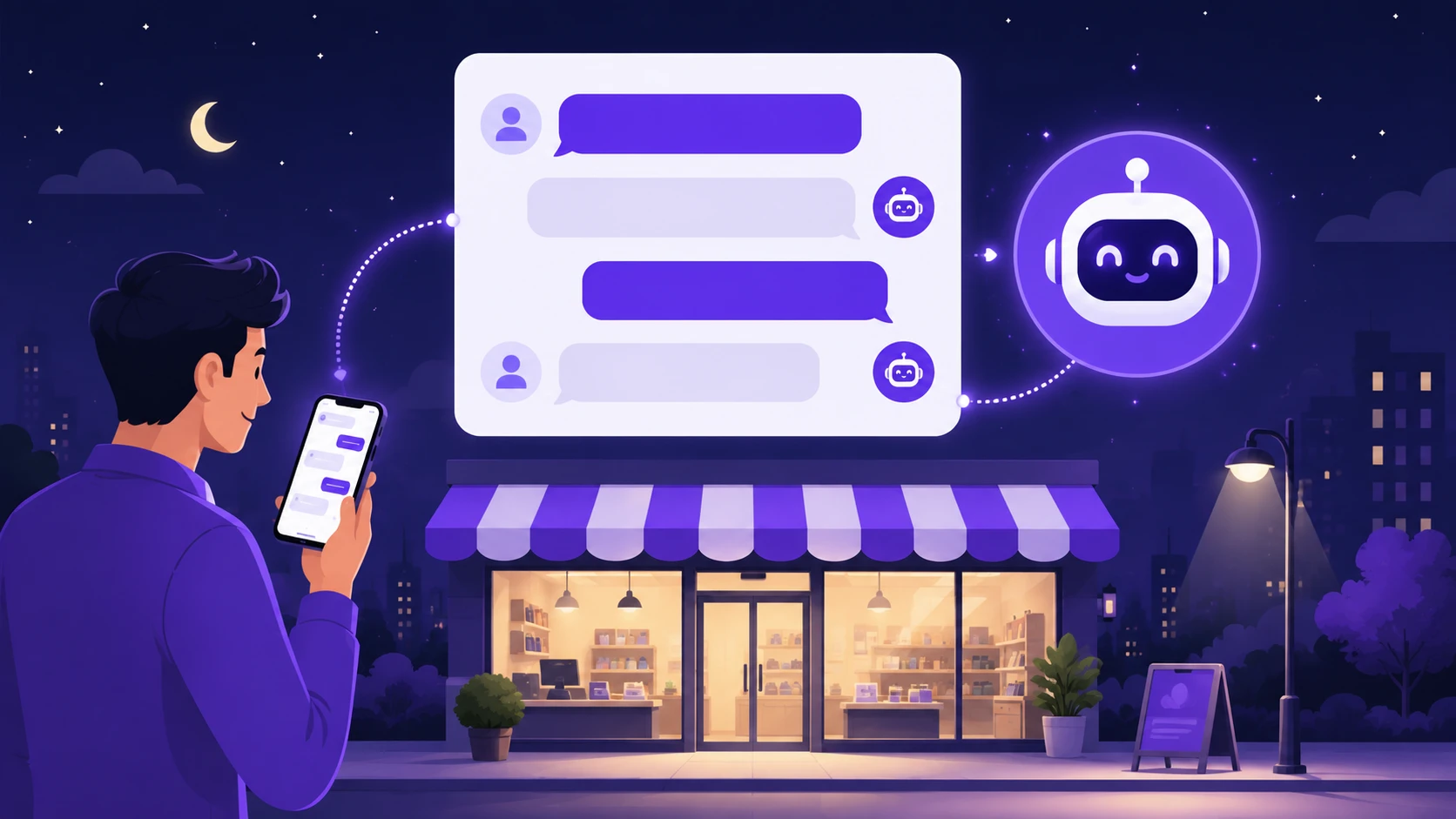
Quick Answer: Yes, for most small businesses, an AI chatbot pays for itself in 2026. It answers customers at 2 a.m., captures leads you'd otherwise lose, and handles repeat questions. Simple tools cost $20 to $100 monthly. Custom builds run $1,000 to $5,000 upfront. But it can't replace human judgment.
Let me tell you about a project that changed how I think about this.
A while back, I built an AI call agent, an automated system that talks to customers over the phone. Watching it handle call after call, I noticed something. It never got tired. It never forgot a detail. And it never missed a lead because it was busy.
That's the real promise of an AI chatbot for small business. Not magic. Just a tireless assistant that catches the customers your team physically can't.
But is it worth your money in 2026? Some owners waste thousands on bots nobody uses. Others capture dozens of extra leads a month. The difference comes down to a few decisions, and I'll walk you through each one.
What an AI Chatbot for Small Business Actually Does
A chatbot is a small chat window on your website. A visitor types a question, and the bot replies instantly, day or night.
Old chatbots followed rigid scripts. Press 1 for hours, press 2 for pricing. Frustrating stuff. Modern AI bots are different. They read the question, understand it, and answer in normal language using information about your business.
Here's what a well-trained bot handles on its own:
· Answering questions about hours, prices, services, and policies
· Collecting a visitor's name, phone, and what they need, then sending it to you
· Booking appointments or taking order details
· Guiding shoppers to the right product or service page
· Handing tricky conversations to a human with full context
Notice what's missing from that list. Refunds that need judgment. Angry customers who need empathy. Complex problems with no clear answer. Those still need you, and any seller who claims otherwise is overselling.
Why an AI Chatbot for Small Business Makes Sense in 2026
So, why are so many small companies adding one this year? A few honest reasons:
· Leads arrive after hours. Plenty of visitors browse at night. A bot greets them when your office is dark.
· Speed wins deals. Someone comparing three companies often picks the one that responds first.
· Repeat questions eat your day. If you answer the same five questions weekly, a bot frees those hours.
· It's finally affordable. AI pricing dropped hard. What cost enterprise money in 2023 now fits a small budget.
· Customers expect instant replies. Silence for six hours feels like being ignored, even if you're just busy.
Make sense? None of this requires you to fire anyone. The bot handles the boring layer so humans handle the human layer.
How to Add a Chatbot Without Wasting Money
Plenty of bots get installed and abandoned. Follow these steps and yours won't be one of them.
1. Collect Your Real Customer Questions
Go through your emails, DMs, and call notes from the last month. Write down every question customers actually asked.
This list becomes your bot's training material. Bots built from real questions feel helpful. Bots built from guesses feel useless.
2. Pick One Main Job for the Bot
Choose a single goal: capture leads, answer FAQs, or book appointments. One job, done well, beats five jobs done badly.
You can expand later once the first job runs smoothly.
3. Choose Between a DIY Tool and a Custom Build
DIY platforms cost $20 to $100 monthly and set up in a day. Custom builds cost $1,000 to $5,000 upfront in typical 2026 market terms, sometimes more for complex needs.
DIY suits simple FAQ duty. Custom wins when you need the bot connected to your booking system, store, or database. It depends on your workflow, not on hype.
4. Feed It Your Business Information
Give the bot your services, prices, policies, and those real questions from step one. The more accurate the source material, the fewer wrong answers.
Thin content produces a bot that shrugs at everything. Don't skip this.
5. Set Up the Human Handoff
Decide what happens when the bot gets stuck. It should collect the visitor's contact details and alert you immediately.
A bot that dead-ends conversations loses customers faster than no bot at all.
6. Test It Like a Difficult Customer
Before launch, ask it weird questions. Misspell things. Ask about stuff you don't sell. See how it behaves under pressure.
Fix the embarrassing answers now, not after a customer screenshots them.
7. Review the Chat Logs Monthly
Read what visitors asked and where the bot struggled. Update its knowledge every month.
A chatbot is a garden, not a statue. Small regular care keeps it valuable.
Want a shortcut past the trial and error? You can [ask Build by Ahmad for a free chatbot assessment] and find out what setup fits your business and budget before spending anything.
The Real Wins You Can Expect
When a bot is set up properly, here's what typically improves:
· Enquiries get answered in seconds instead of hours, even on holidays.
· Contact details from night-time visitors land in your inbox by morning.
· Your team spends less time typing the same replies and more time selling.
· Website visitors stay longer because help is one click away.
· Appointment slots fill without phone tag.
· You learn what customers want from the chat logs, which sharpens your marketing.
Plus, there's a quieter benefit. Your business simply feels more professional when every visitor gets an instant, polite response.
Where Chatbots Go Wrong (and How to Fix Each One)
The truth is, chatbots fail often. Almost always for one of these reasons.
The Bot Makes Things Up
AI models sometimes invent answers, like quoting a discount you never offered. This is the biggest real risk.
The fix: restrict the bot to your approved business content, and tell it to say "let me connect you with the team" when unsure. Then test monthly.
It Pretends to Be Human
Visitors feel tricked when they discover they've been talking to software. Trust drops instantly.
The fix: let the bot introduce itself as an assistant right away. Honesty costs nothing and keeps goodwill.
Nobody Reads the Captured Leads
The bot collects names and numbers, and they sit unread for days. The whole point evaporates.
The fix: route leads straight to your phone or email with alerts, and reply within a few hours.
The Popup Attacks Every Visitor
An aggressive chat window that jumps up instantly annoys people and can hurt your mobile experience.
The fix: delay the greeting a few seconds and keep the window small until clicked.
It Was Trained Once and Forgotten
Prices change. Services change. A stale bot confidently gives outdated answers.
The fix: put a fifteen-minute review in your calendar each month. Update anything that changed.
DIY Chatbot Tools vs a Custom-Built Bot
Which route fits you? Here's the honest comparison.
|
Factor |
DIY Tool |
Custom Build |
|
Upfront cost |
$0-$100 |
$1,000-$5,000 |
|
Monthly cost |
$20-$100 |
$20-$150 (hosting + AI usage) |
|
Setup time |
Hours to days |
2-5 weeks |
|
Connects to your systems |
Limited |
Full (bookings, orders, CRM) |
|
Answer quality control |
Basic |
Fine-tuned to your business |
|
Best for |
Simple FAQ + lead capture |
Bookings, stores, complex flows |
For Dubai readers, custom projects commonly land between AED 4,000 and AED 18,000. In Pakistan, think PKR 150,000 to PKR 800,000. These are typical market ranges, and the final figure depends on integrations and complexity.
Straight Talk Before You Spend a Rupee or a Dollar
A few things I'd tell a friend over chai:
· Start with the cheapest option that does your one main job. Upgrade only when it earns it.
· Ask any vendor to show the bot failing gracefully. The stuck moments reveal quality.
· Watch the AI usage fees on custom bots. Heavy traffic means higher monthly API bills.
· Never let a bot quote custom prices. Have it collect details for a human quote instead.
· Add the bot to your highest-traffic page first, not every page at once.
· If your website gets very few visitors, fix your traffic first. A bot can't greet an empty room.
· Keep a "talk to a human" button visible at all times.
Honest Answers About Chatbots for Small Businesses
Will a chatbot sound robotic to my customers?
Modern AI bots write naturally and can match your tone, friendly or formal. The stiffness of old-school bots is mostly gone. Test yours and adjust the personality until it sounds like your brand.
Can a chatbot work in both English and Urdu or Arabic?
Yes. Current AI models handle major languages well, including mixed-language chats. This is a big win for businesses serving Pakistan or the UAE.
What happens to the chatbot if my internet or site goes down?
The bot lives on your website, so if the site is down, the bot is too. That's one more reason solid hosting matters for any online business.
Does a chatbot help my SEO?
Not directly, since rankings don't reward chat widgets. Indirectly, yes: visitors who find answers stay longer, and lower bounce rates send positive signals over time.
Is my customer data safe with an AI chatbot?
It depends on the provider. Choose tools that encrypt chats and don't train public models on your data. For custom builds, ask your developer where conversations are stored and who can see them.
Can the same AI answer my business phone calls too?
Yes, that's an AI call agent, and I've built one. It's a bigger project than a website bot, but the two can share the same business knowledge.
The Bottom Line on Adding a Chatbot This Year
Here's my honest take. An AI chatbot for small business is worth it in 2026 if you get regular website visitors and lose leads to slow replies. It's not worth it if your site barely gets traffic or you expect it to run your company alone.
Start small. Give it one job. Feed it real answers. Review it monthly. Do that, and the math usually works out fast.
Thinking about one for your business? Head to the contact page on buildbyahmad.site and tell me what your customers keep asking. I'll give you a straight answer on whether a bot fits.